Pinocchio's Daring Journey
January 2013
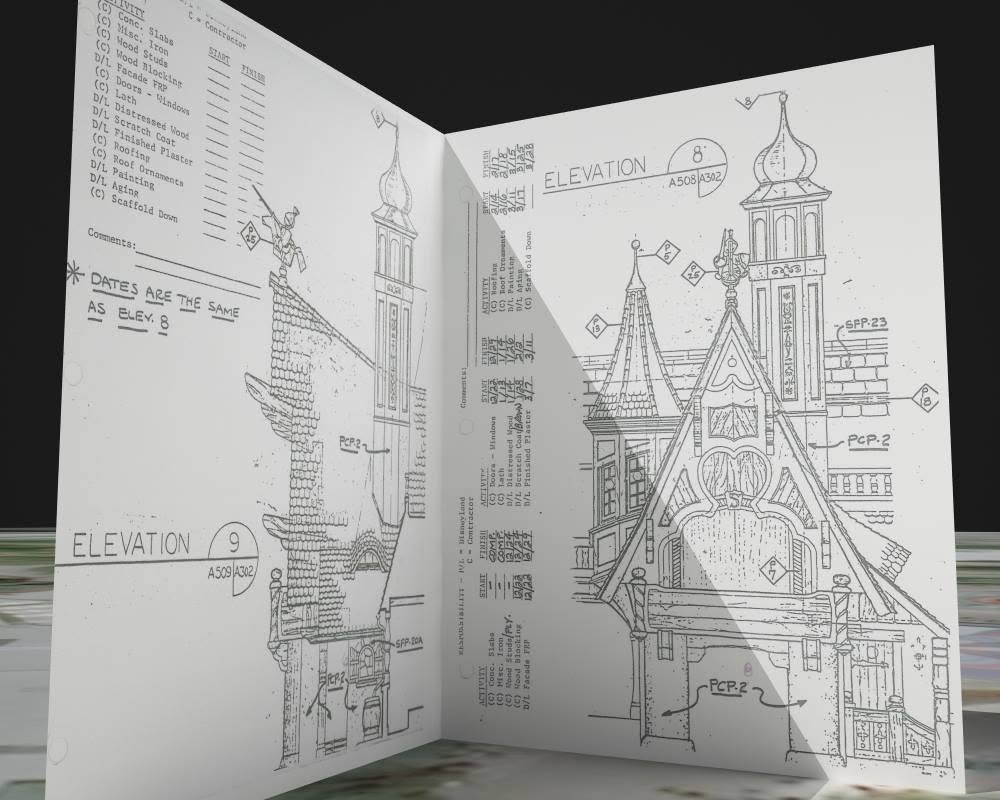
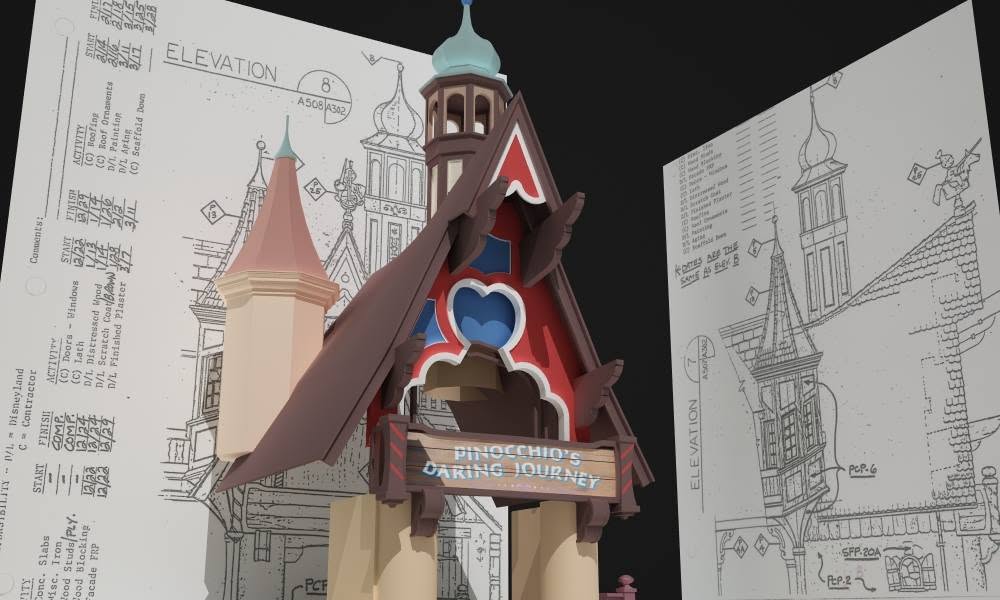
Always the first step when starting a model: create your texture planes, align them at a 90 degree angle, scale them to proper proportions, and apply visible texture maps.
-
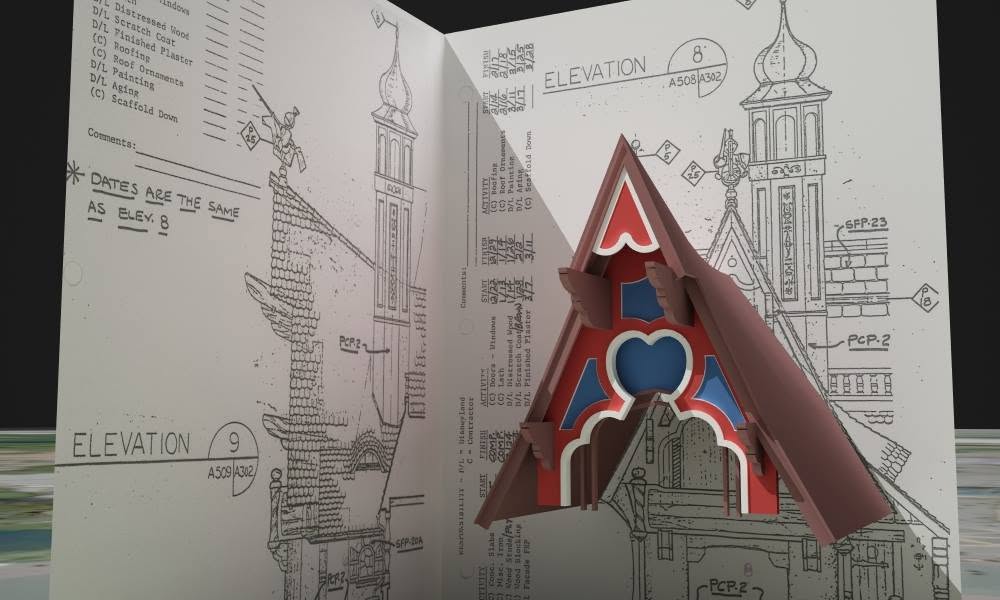
Created the swooping, peaked roof and colored wood cutouts that make up the façade of Pinocchio's stage.
-
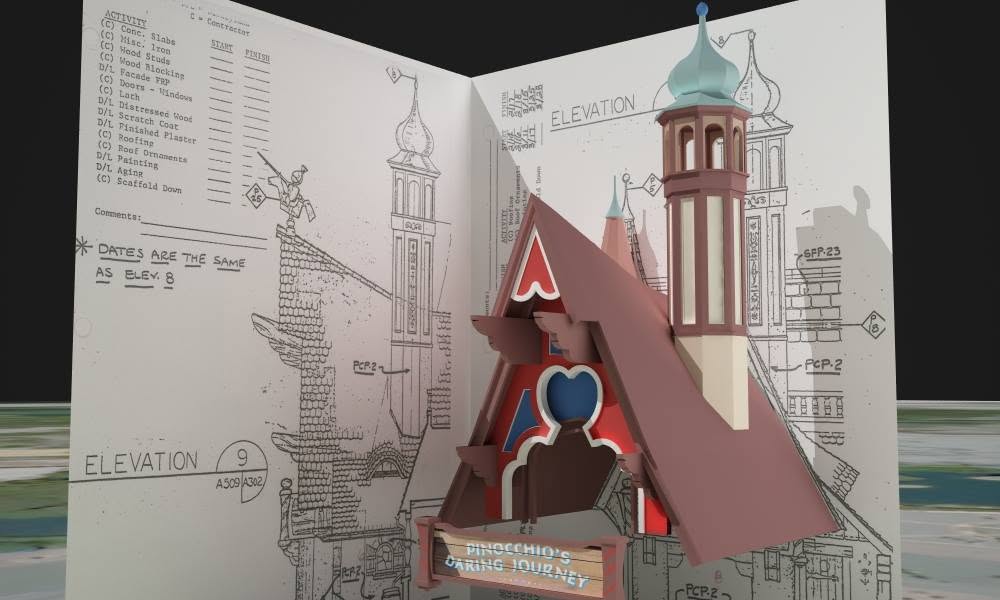
Created the eastern European influenced 'onion' domed tower and the clay shingled roof to the north. The main signage is textured with a test material to be replaced later. The striped poles on either side are a bit of a challenge. I am attempting to cut the diagonal stripe into the wood to reflect the real design.
February 2014
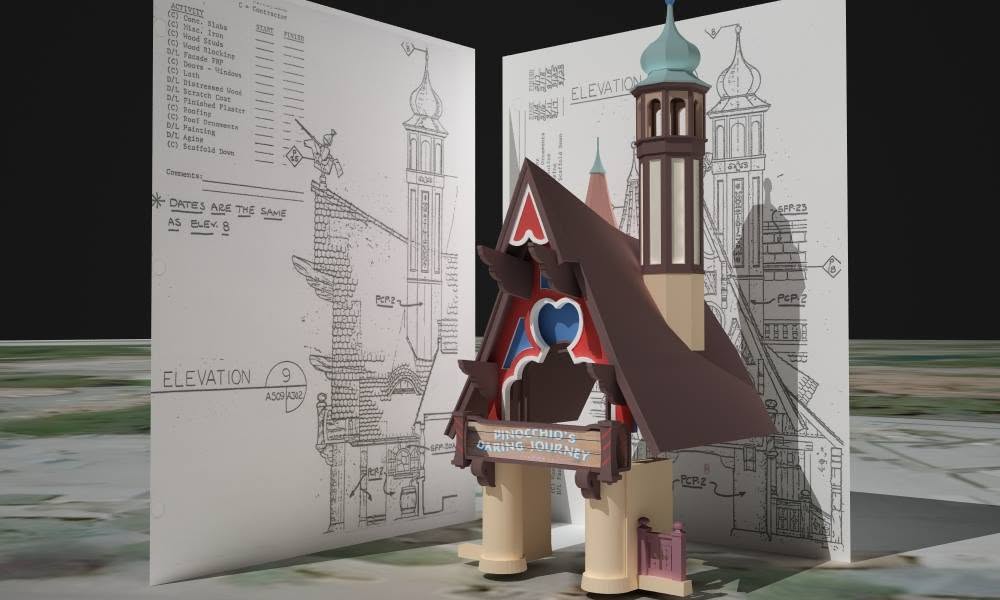
More work on the entrance and railing of the queue line. Added the main pillars and angled the huge dovetails.
-
Worked on the octagonal turret on the south side of the roof. It has a pretty complex piece of molding and next up are the cutouts in each face.
July 2014
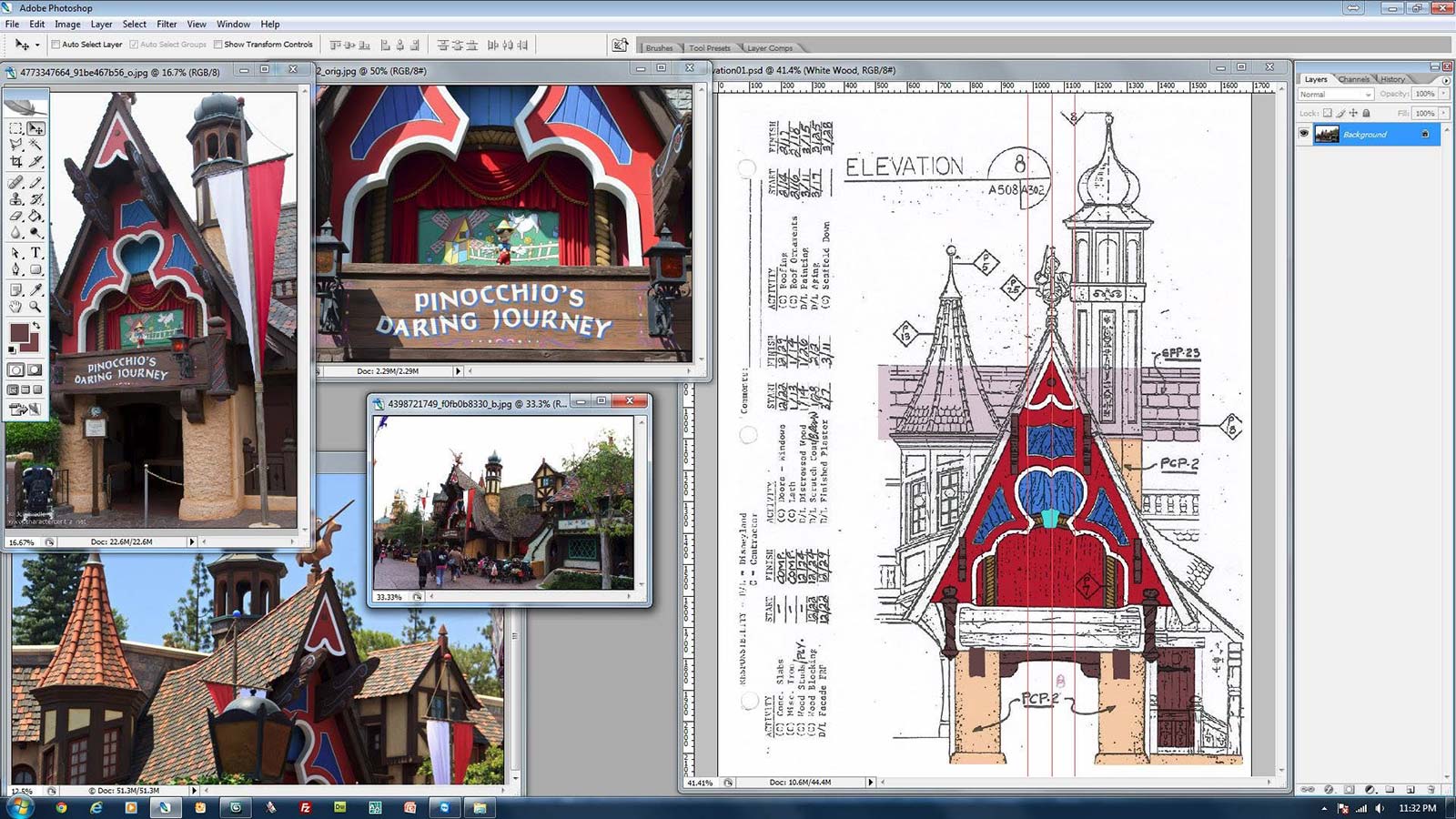
I thoroughly enjoy coloring elevations in Photoshop. It helps to separate the architectural elements so that modeling becomes slightly easier, it gives life to otherwise dull black and white drawings, they can colored relatively easily, and it reminds me of working with Eric Spikes on coloring comic book pages years ago.
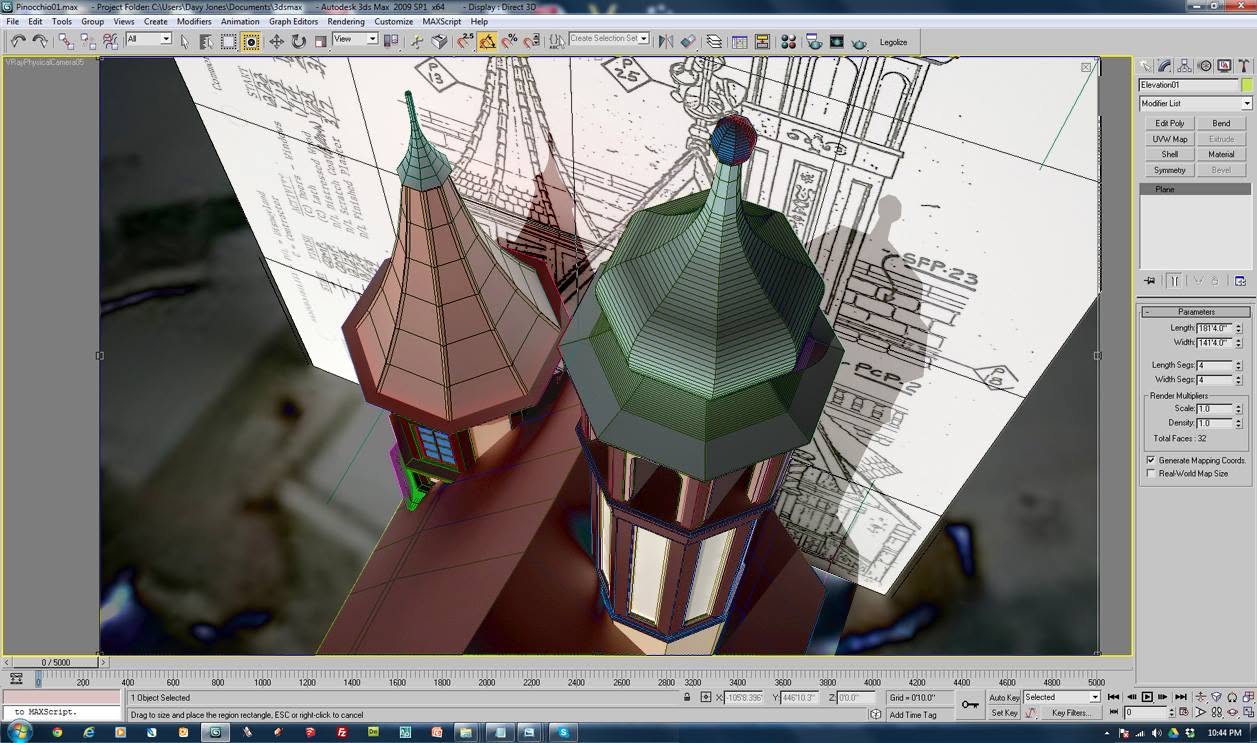
A unique view looking down on the onion dome tower with the front elevation reference plane in the background.
July 2015
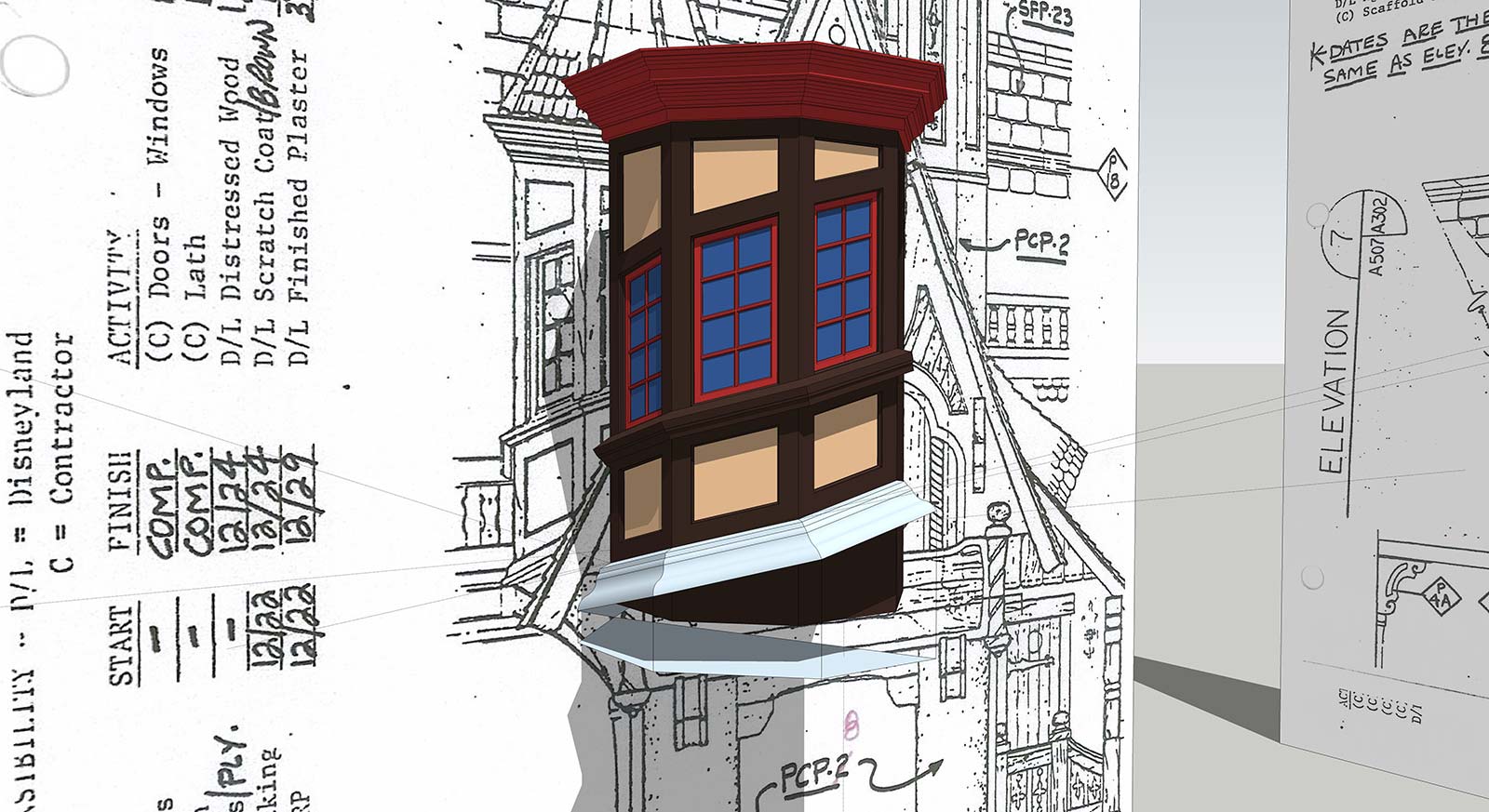
Moved over to SketchUp to create this side turret with angled windows. SketchUp just makes some things easier!
September 2015
I took a screenshot of the 3DStudioMax program user interface and overlayed a Vray render, using a "Difference" filter to mix the two. Neither looked that interesting on their own...but better when blended.